Experiments & Side Projects
A collection of smaller explorations, tools, and experiments I built while working on larger projects.
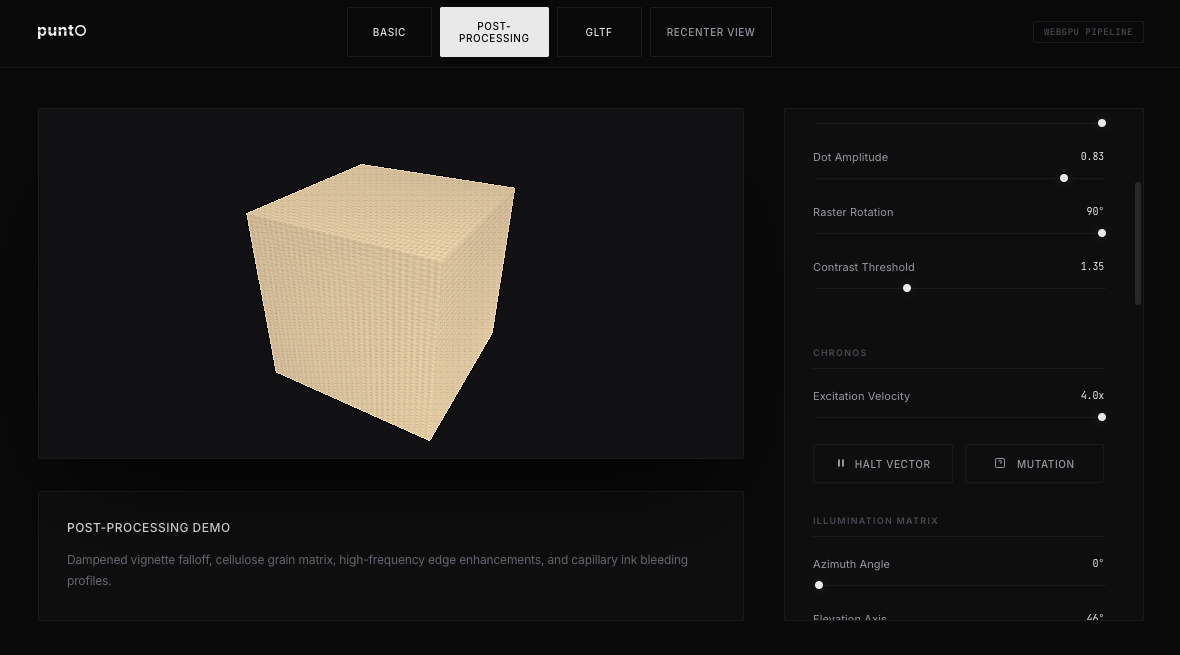
Experimenting with Punto’s halftone post-processing pipeline on a simple 3D cube. I’ve been playing with dot accuracy, size variation, and contrast controls to see how far I can push the aesthetic while keeping it clean and intentional.
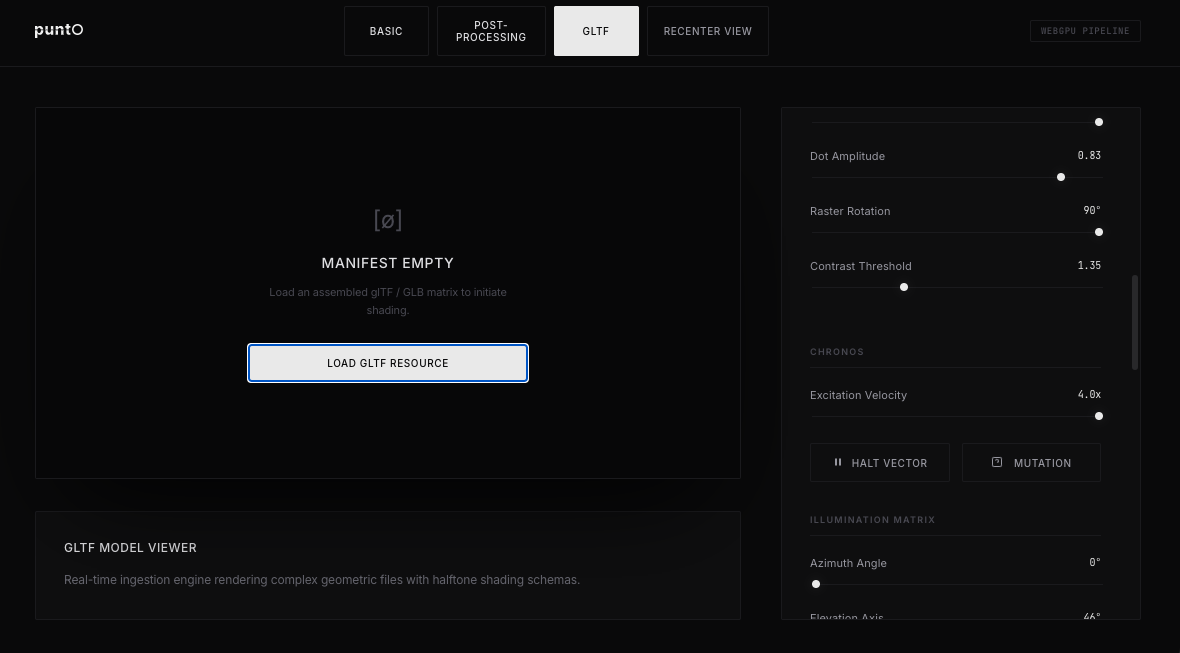
Testing Punto’s ability to import and render real 3D assets. I’ve been loading GLTF/GLB files as well as traditional OBJ models to understand how the halftone engine handles different geometries and UVs.
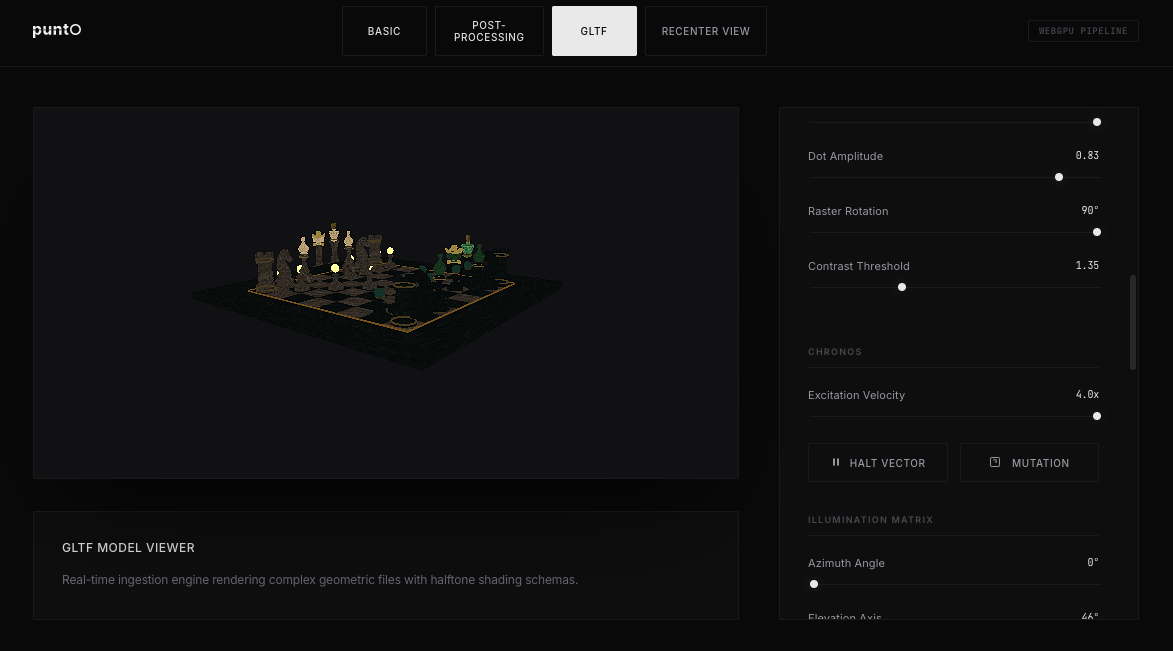
Rendering a detailed 3D chess set while tweaking halftone parameters in real time through the right-side control panel. I’m really enjoying how the engine responds to live adjustments.
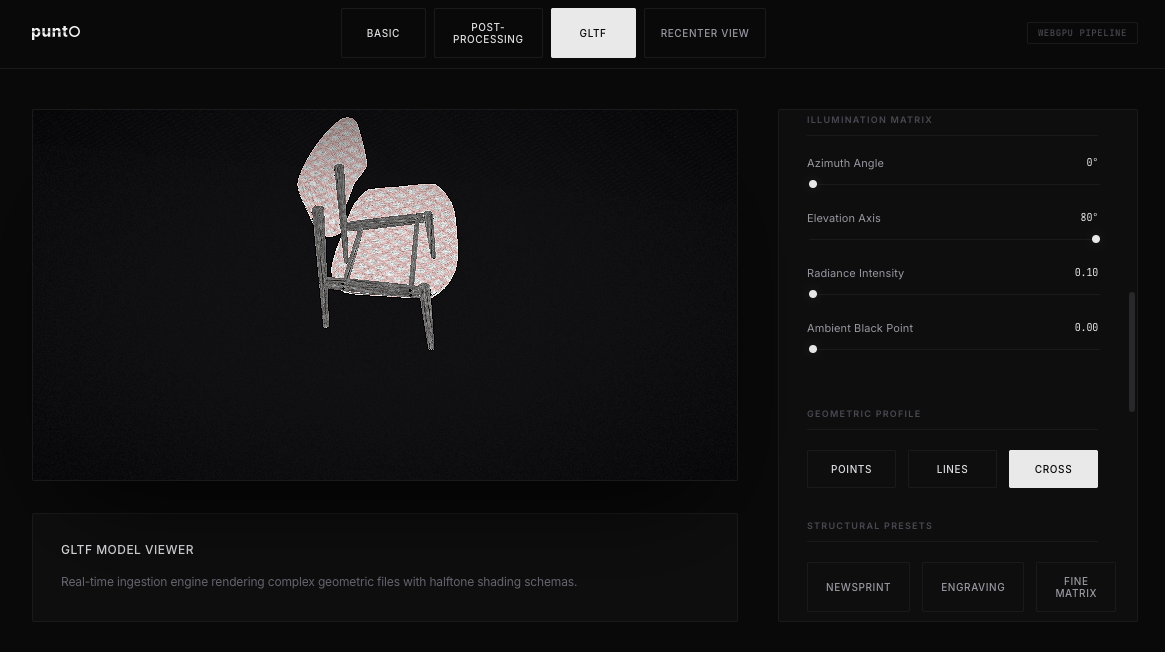
Applying different halftone styles to a rendered chair model. The right control panel lets me adjust dot density, angle, and contrast on the fly. This is part of exploring Punto as a flexible, artist-friendly halftone engine.
The main workspace graph view in INTRLN. Nodes represent different tools, files, and processes, with connections showing how they relate and flow together in real time.
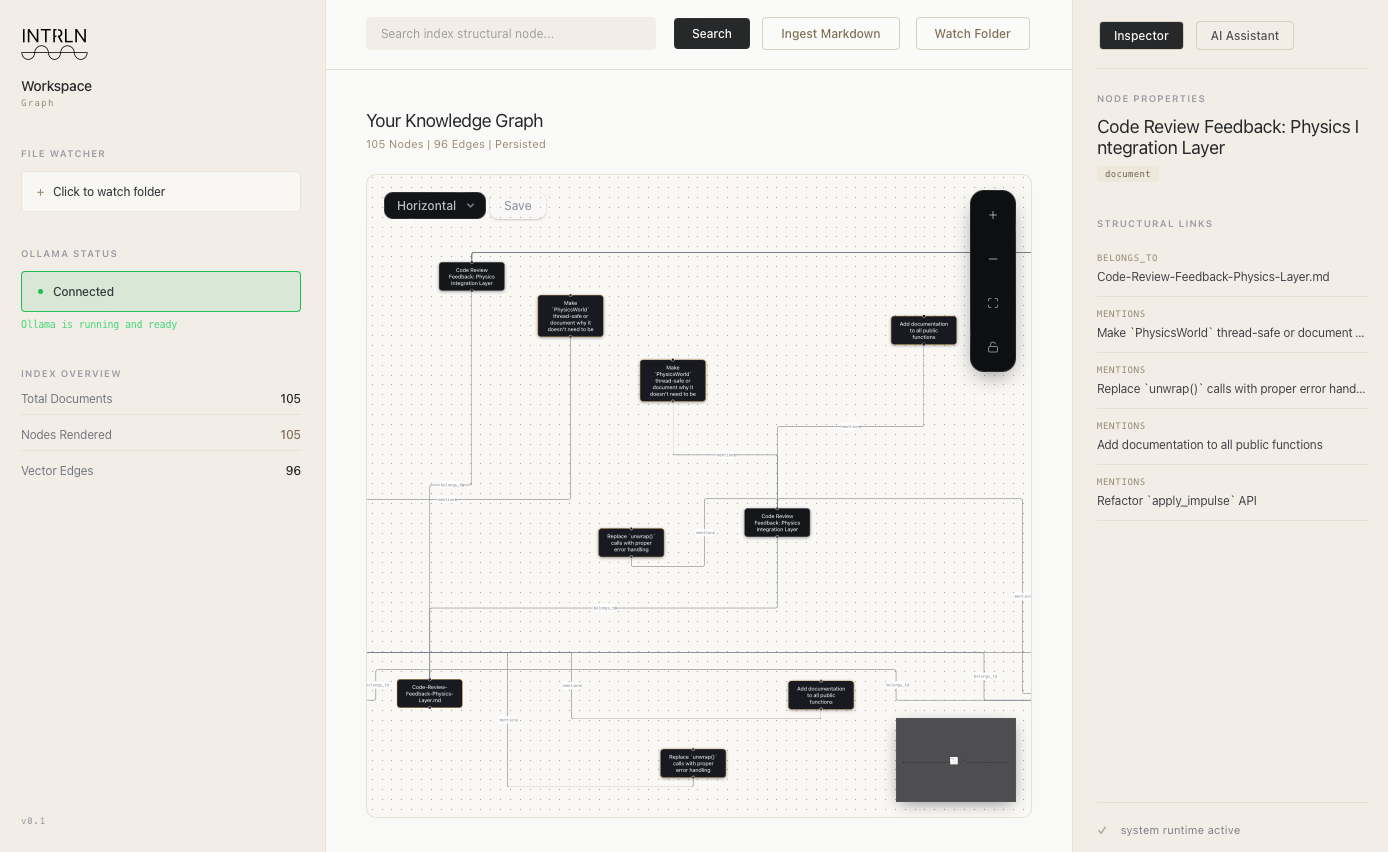
Exploring how INTRLN visualizes relationships between workspace elements. The graph dynamically updates as new connections are made between tools and data sources.
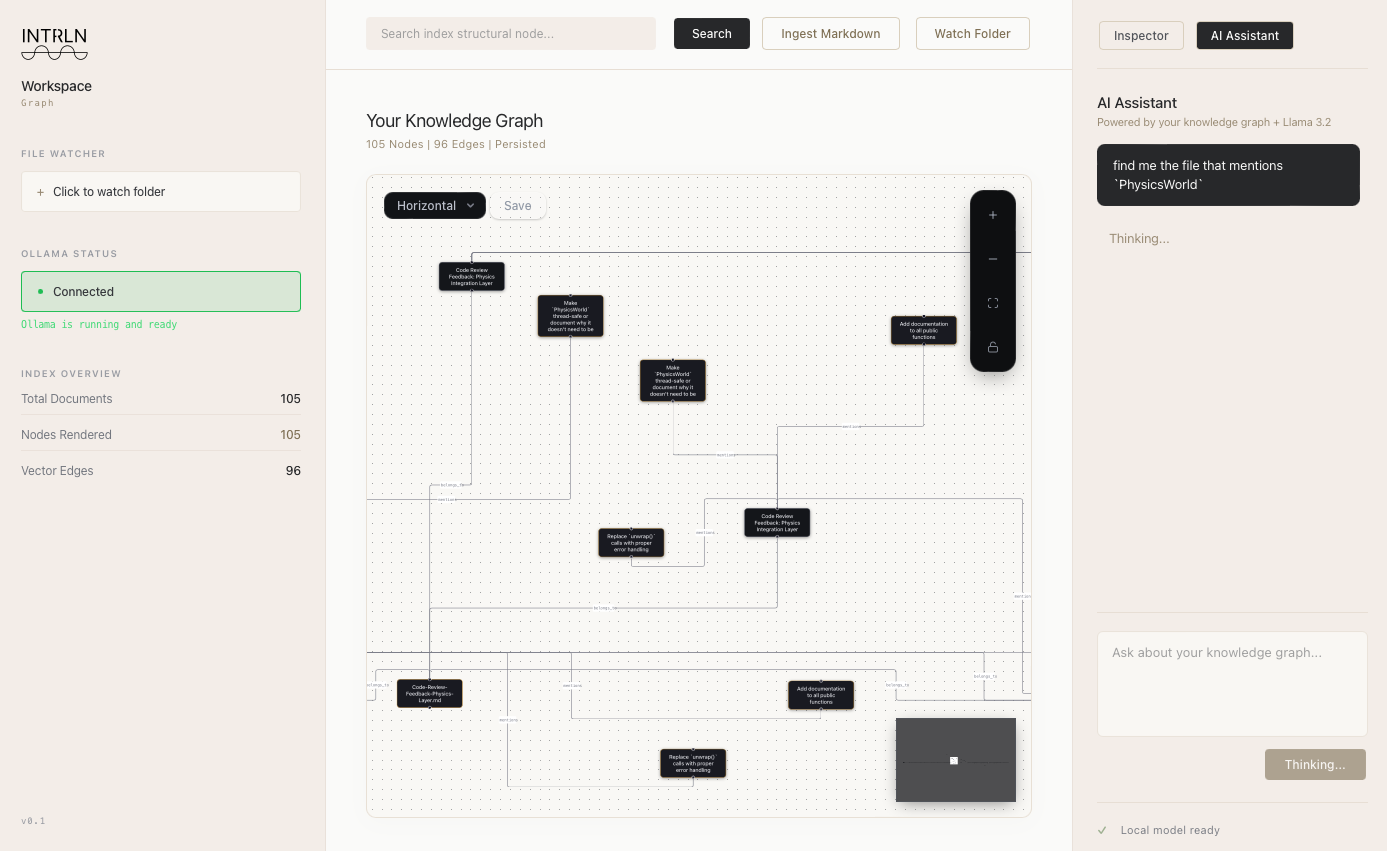
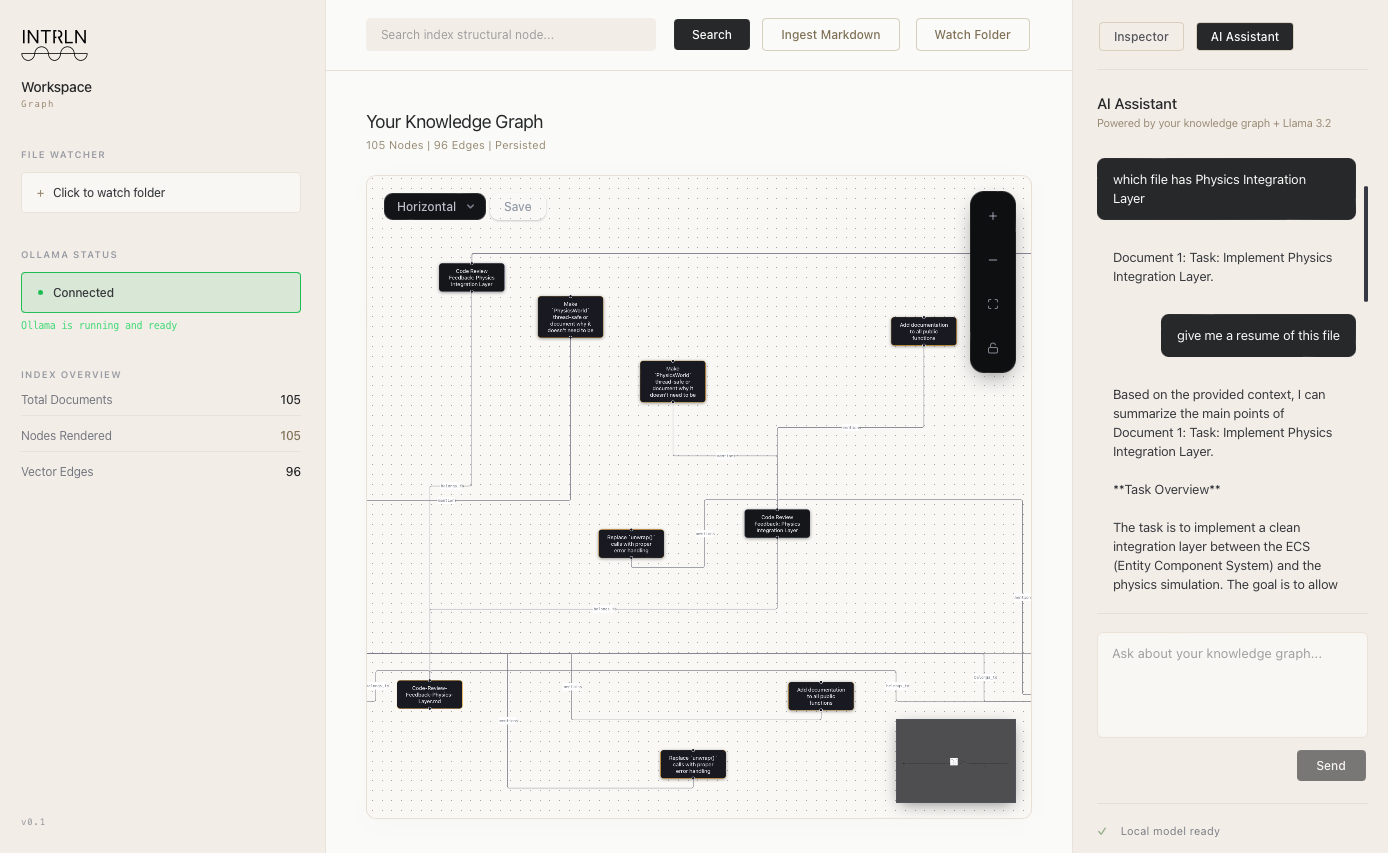
INTRLN’s Workspace Graph with integrated RAG. A user is asking the AI assistant to retrieve information from a specific file that has already been ingested into the system.
I really enjoy working on projects like these and love experimenting with new ideas. Both Punto and INTRLN are actively being developed as you’re reading this, just like the other main projects I’ve published. I’m excited about where they’re headed and hope they gain more traction over time. These two in particular feel like big ones, and I’m looking forward to sharing more as they progress.